AI · 6 min read
Scanned PDF to Excel With a Small Local AI: What Worked on My Old 16 GB Server
Hundreds of handwritten measurement sheets, tables that changed from file to file, and a 3B model on a CPU. Here's what broke, and the rules that fixed it.
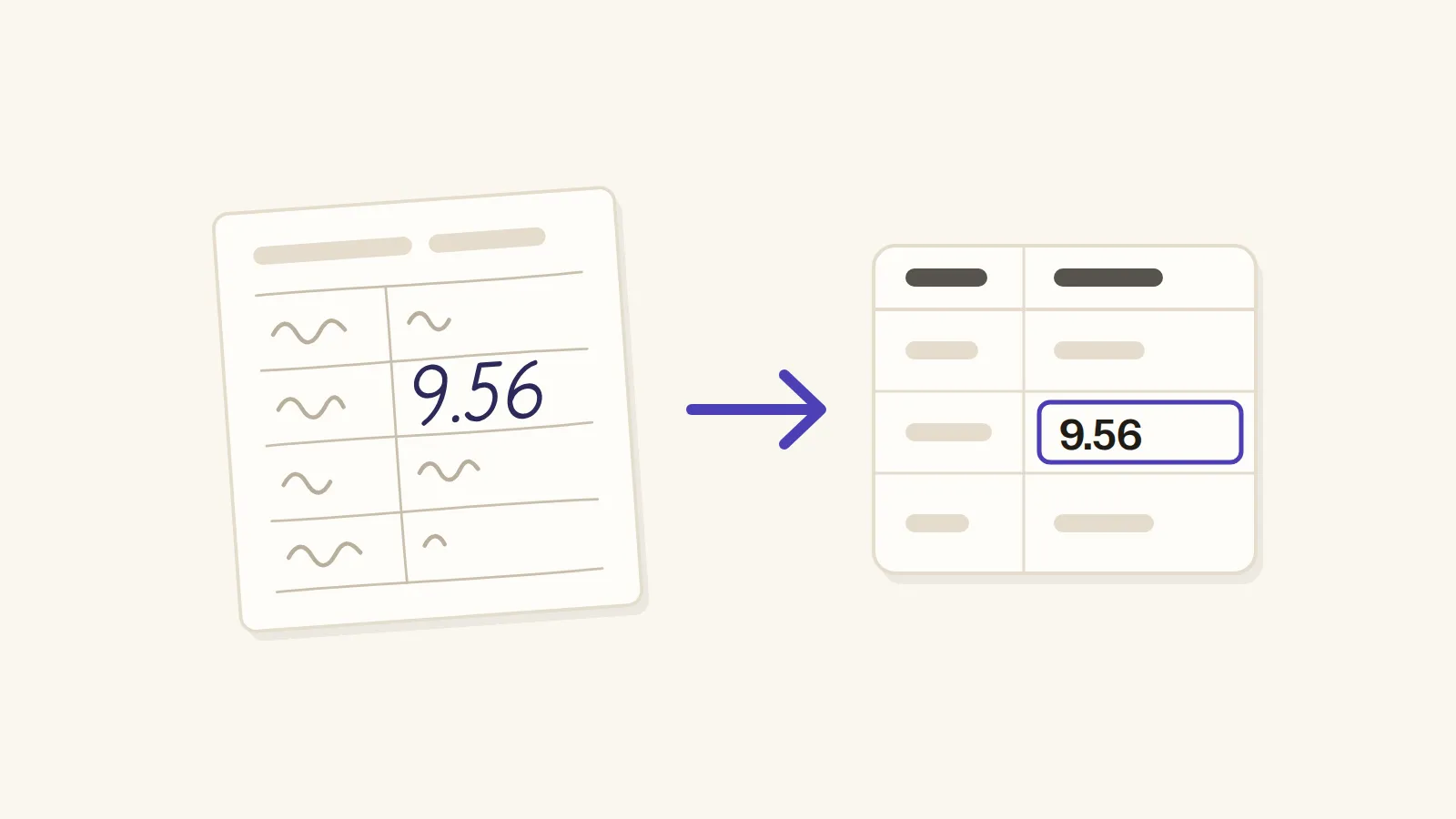
In short: On an old 16 GB server with no graphics card, RapidOCR and Llama 3.2 3B turned handwritten scanned sheets into usable data, but only after I trained the model with rules for misreads, limits and number formats, and a person still checks a smaller share of the output every time.
Maybe you have a pile of scanned sheets with handwritten numbers on them, and the tables look different in every file. So you've probably wondered if a small AI on your own computer can turn them into clean data, and that's exactly what I tried.
My pile was hundreds of measurement and inspection sheets, with sizes and values in cm. And my computer? An old server with 16 GB of RAM, CPU only and no graphics card. So no, this is not a story about a fancy setup.
The pile: hundreds of handwritten measurement sheets
Every file had its own idea of what a table should look like. Some had different columns, and some had the same data but moved around the page, like it was playing musical chairs. Some were printed, some handwritten, some both. And a few had merged or broken cells as a bonus.
So one fixed template was never going to work, and that's where the AI came in.
What the internet says, and what it skips
Search for this, and Google's AI Overview hands you a neat recipe: Docling reads the page, and a model through Ollama cleans it up. It sounds great, until you ask the obvious things, like what computer you need, or how you check the output. It doesn't say.
And I'm clearly not the only one stuck here. Someone on Hacker News wrote that "every company formats it differently", which describes my pile pretty well.
The machine: an old CPU-only server
Now, about that server. With 16 GB of RAM and no graphics card, a big model was never an option. That's why I went with Llama 3.2, the 3B one, which is the bigger of its two small sizes, like the tallest kid in the junior class.
And a bigger model wouldn't just be slower. When a YouTuber tried a 27B model on a 16 GB computer, it "didn't even run".
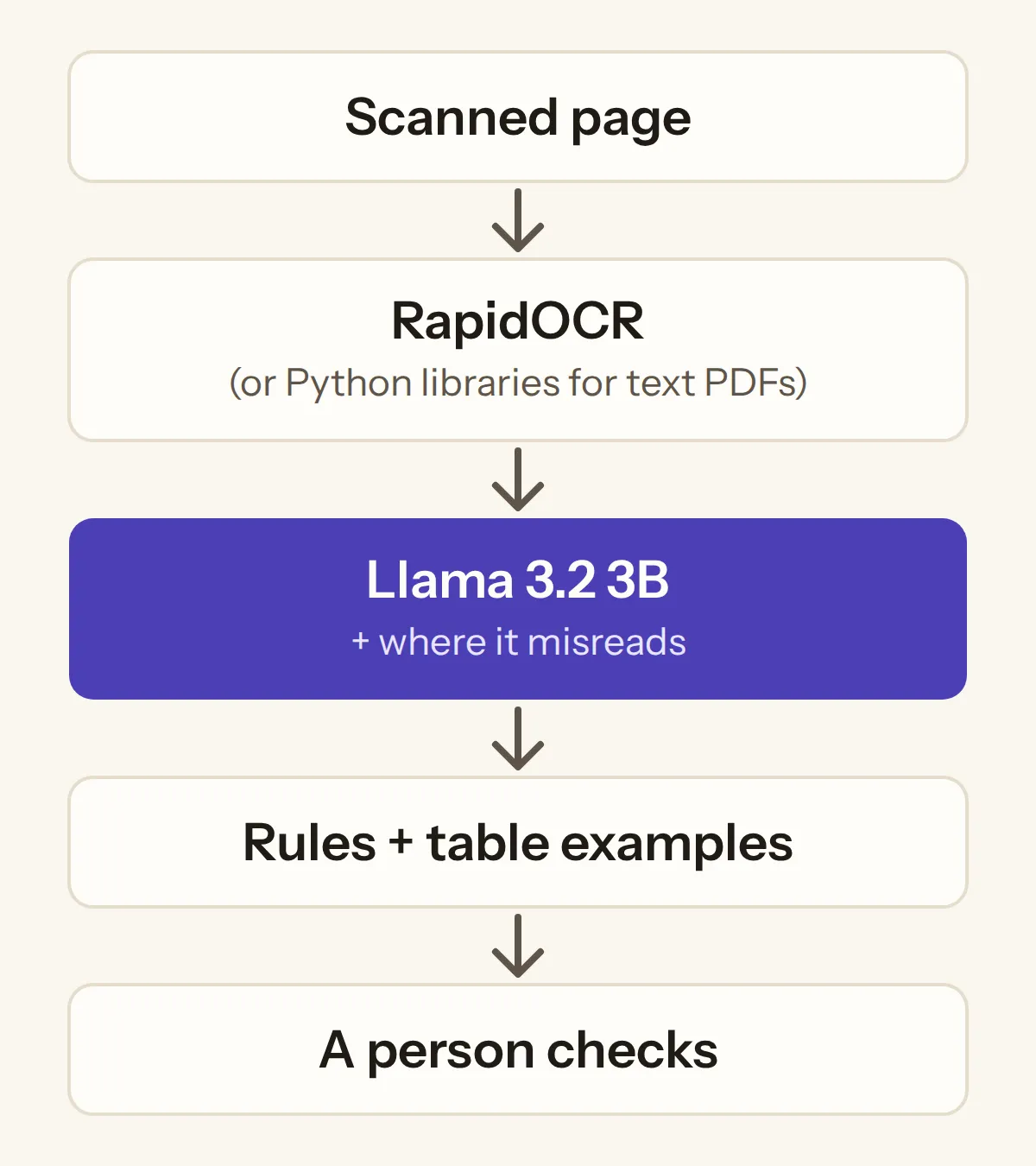
So think of the 3B model as a fresher on his first day, confident and new. Like any fresher, he can't do much until someone explains the files to him. That's the OCR's job: it reads the scanned page and hands him the text.
Four OCR tools, one winner
So before the fresher could start, I needed someone to read the pages to him. I auditioned four: Tesseract, RapidOCR, PaddleOCR, and even Claude's vision, which comes with the cost of a subscription.
| Tool | What I saw |
|---|---|
| Tesseract | Tried it |
| PaddleOCR | Took too much RAM just to load, and 3 to 5 seconds a page |
| RapidOCR | Fast, and reliable at getting the data out as JSON |
| Claude vision | Worked through a paid subscription |
PaddleOCR took too much RAM just to load, like that relative who comes "for two days" and takes the whole bed. On top of that it took 3 to 5 seconds a page, and with hundreds of pages, that adds up fast.
RapidOCR was fast and reliable at getting the data out as JSON, so it got the job, like the one candidate in an interview who actually answers the question that was asked. And when a PDF had real text instead of a scan, I skipped OCR completely, because Python libraries pull that text out much faster.
This is also where running AI on my own system helped the most, because it made the experiments way faster.
Where the small model broke
Then the fresher started work, and he was slow, like really slow: 30 seconds to 2 minutes for every page. So with hundreds of pages the server was busy for hours, like a government office that will definitely finish your work, just not today.
And his mistakes started small. The sheet said "size" and he was like, "51 ze", which looks less like a word and more like a WiFi password.
Then the numbers. 9.56 cm became 956, and 956 cm is almost ten metres, which is quite a jump for one missing decimal point. And sometimes it came out as 9,56 cm, with a comma, as if the sheet had been filled in somewhere in Europe.
On a bad day it got worse. The JSON came out broken, rows went missing, or the whole run just crashed. And sometimes two rows got merged into one, like two passengers squeezed into one seat of a share auto.
But his worst habit was making things up, or "fixing" values. It's like a student in a board exam who would rather write anything than leave an answer blank. And it's not only small models. Someone on Hacker News saw vision models do the same with totals that didn't add up: "the model will frequently correct the final output".
Part of the problem was the fresher, and part of it was how he was hired. As one commenter pointed out, Ollama "would default to a Q4 version of the model", which is a squeezed version with "very different results". And these open-source models are not trained on the latest data either.
The rules that fixed it
So I didn't replace the fresher. I trained him, and most of the training was rules.
First I gave him the context of where he can make mistakes, like reading "size" as "51 ze" or 9.56 as 956. So he knew what to watch for, and then the rules checked his work.
| What the page says | What he read | The rule that catches it |
|---|---|---|
| size | 51 ze | Known words list |
| 9.56 cm | 956 | Value within limits |
| 9.56 cm | 9,56 cm | Number format |
So here are the rules, and you can copy them straight into your own setup. Every value must sit within its limits, and every number has one format. Handwritten words are matched against a list of known words, and every sheet must have its required fields. And the model is told about the business and what the data means.
Your rules (tick the ones you have)
5 rules
And I gave him standard examples of how each table can look, like showing a fresher a few finished files before his first real task. After that, his tables became accurate enough to make analysis easy.
What changed: less checking, not perfect
So did the fresher become perfect? No, and I won't pretend he did. I'd put him at 95% or more for the numbers and the handwritten words, but not for the table structure.
That's why the fresher kept his job, on the same old server, with a senior still checking his work. The senior just checks a smaller share every time, which, to be fair, is how most freshers grow anyway.
And it's not just me. A 2026 study at a pharmaceutical company found that handwriting recognition on inspection records "can improve efficiency", but "the need for human validation" still stopped full automation. So if your job needs every single number to be right, be honest with yourself about it, because you will end up checking everything anyway. Or as one Hacker News commenter put it, "I do not win anything if I have to check the LLM output, too."
If you have the same job
So if you're facing the same problem, try RapidOCR with the same Llama 3.2 3B model and make your own experiments. Believe me, if these small models are configured properly, they give way better and more optimal outputs than they do without rules. So hire the small fresher, and then train him well.
Tags: local ai · ocr · automation