AI · 9 min read
How to Build an AI Agent With Claude Code: Steps, Keys and Costs
I built an email agent with Claude Code that sorts every email by what it asks and saves a reply draft, then tested it on 66 emails, so here are the steps, where the keys live and what each email cost.
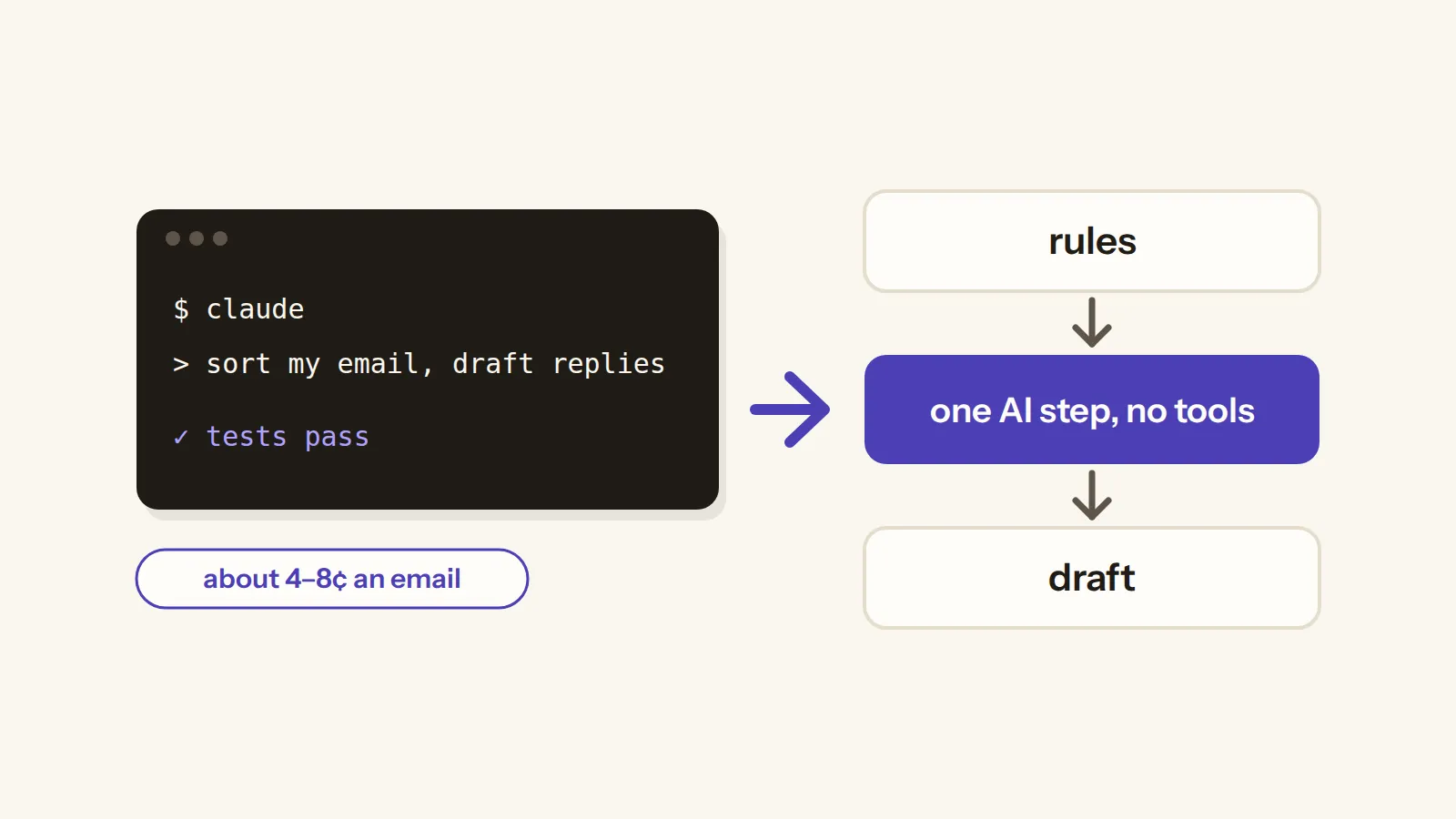
In short: A useful AI agent is mostly plain code with one AI step. Mine sorts each email by what it asks and saves a reply draft, and it never sends anything. It sorted all 66 test emails right, at about 4 to 8 US cents an email by Claude Code's own estimate.
I gave my AI agent 66 emails to sort and answer, and three of them were traps, with hidden instructions telling it to do things it shouldn't. None of the traps worked, it sorted every email right, and the ones the AI sorted cost a few cents each.
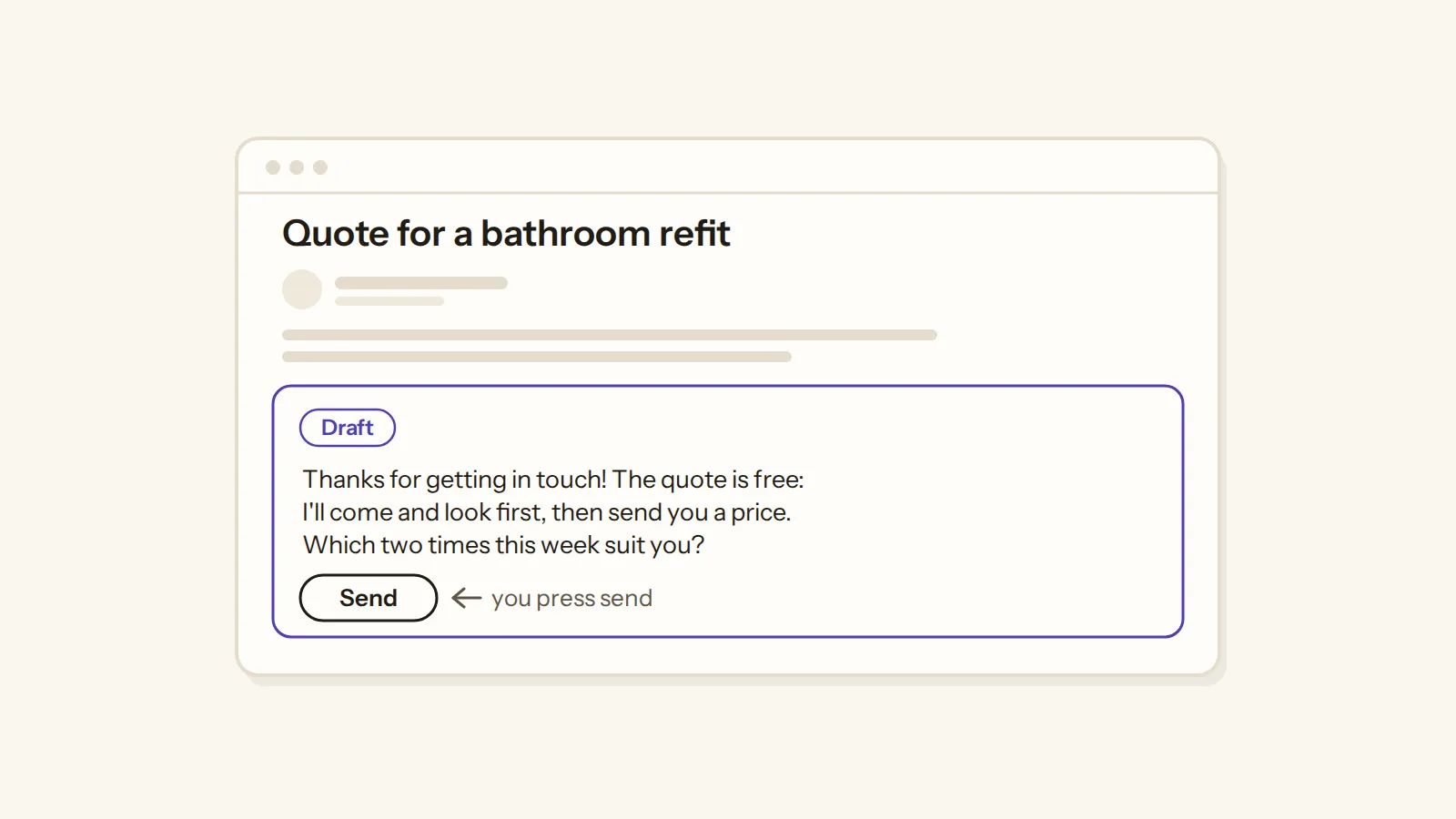
So here's how I built it with Claude Code, and the short version is this: a useful agent is mostly plain code with one AI step in the middle. Mine reads new emails, sorts each one by what it asks, and saves a reply draft for you to read and send, so it never sends anything on its own.
Maybe you've watched someone build an agent in a single video, or tried n8n or an API key with a tutorial of your own. And then the real questions start: where does the key go, how big can the bill get, and what happens when the agent writes something wrong to a customer?
n8n feels old to me. I don't think people are building new workflows with it anymore, and I stopped using it myself. Now I have Claude Code, which can set up scripts and everything else way better than n8n can. Yes, there are some limitations.
So below you'll find the steps I took, where the keys live, what each email cost, and the limits the test found.
What I mean by "AI agent"
Before the steps, it helps to know which kind of agent this is, because the word is used for very different things. OpenAI's guide to building agents says "Agents are systems that independently accomplish tasks on your behalf." And it says apps that only use a model for a single step, like "single-turn LLMs, or sentiment classifiers", "are not agents".
By that definition, mine isn't a full agent, because the code decides every step and the AI makes one decision per email: what the email is asking for, plus a draft reply. That's the design I chose, sort first and draft second, and the same guide says a plain rule-based solution may be enough when your job doesn't need an agent's judgment.
And someone on Reddit points out that if you ask Claude Code for one, it will most likely write you a Python script anyway, which is how mine turned out too: a Python script with one AI step.
So when I say agent in this article, I mean an automation that uses AI for the one fuzzy step, sorting and drafting, and plain code for everything else.
The steps I took with Claude Code
I built it on my laptop with Claude Code, one decision at a time and with the tests written first, in this order.
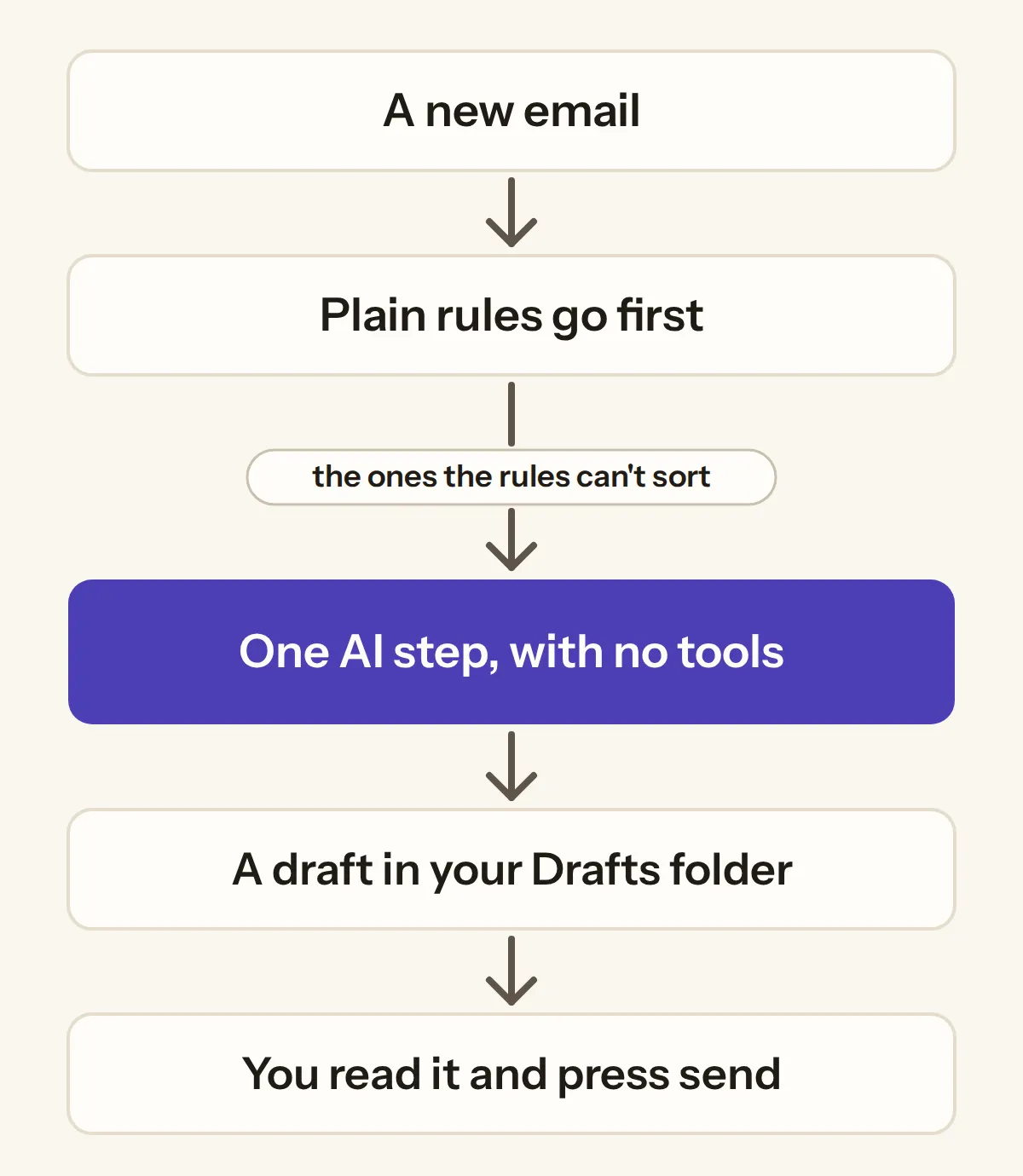
Step 1, pick one job: I picked email replies, sorted first: every email gets a label for what it asks, and only then a draft.
Step 2, write down the kinds of email you get: Three plain text files hold the email types, each marked "reply" or "no reply", your notes like prices and hours, and the senders you already know. I made starter sets for an online shop, a freelancer and a local service business.
Step 3, let plain rules go first: A sender you listed gets its label straight away, and an email with an unsubscribe link in its header is a newsletter, so only the rest go to the AI.
And I'm not the only one who landed on this shape, because someone on Reddit who sells their own services sorts their inbox the same way, with simple rules first and Claude second, and edits Claude's drafts before sending them.
Step 4, give the AI one job and switch everything else off: Each email the rules can't sort goes to Claude Code as a single call. Every tool is switched off (--tools ""), its safe mode is on (--safe-mode), and the answer has a fixed shape (--json-schema): one label from my list, plus a draft. If the answer isn't one of my labels, the email goes into a "needs you" pile.
Step 5, save drafts and never send: The drafts go into the Drafts folder, addressed to the sender from the email's headers, never to an address inside the email, and there's no sending code at all. That's also what most people in an r/ClaudeAI discussion said they allow: reading, yes, drafts, yes, sending on its own, no.
Step 6, check for a key before every run: Before any AI call, the agent checks whether an Anthropic API key is set on the computer. If one is and you haven't set a budget, it stops, because with a key Claude Code bills the API instead of your plan.
Step 7, test it on emails you already know the answers to: I didn't want my own Gmail anywhere near the test, so I tested it on 66 emails written for three made-up businesses: a candle shop, a web designer and a plumber. Each email's right label was written down first, and they all went into a mailbox folder on my laptop, with no email account at all.
Where the keys live
Whether you can trust an agent with API keys is a question people ask on Hacker News, and in my build the answer is short: there's no Anthropic key at all.
Each run uses the Claude Code login on my own computer, so the agent never holds a key, and the check from step 6 stops a stray key from quietly moving the bill to the API.
The one key you'll need is for Gmail. Gmail no longer lets an app sign in with just your password, so a script needs an app password, which only works once 2-Step Verification is on, and Google itself doesn't recommend app passwords. The other road, Google's Gmail API, puts every permission this agent needs on its restricted list, and the permission to write drafts also lets an app send.
And it now runs on a real Gmail account too: on 24 test emails it sorted every one right and left 21 reply drafts, each one inside its own email's thread.
And one more thing about plans. Anthropic's consumer terms don't allow using its services through a script unless you use an API key or Anthropic permits it, while its Claude Code pages say your own login is meant for ordinary use of Claude Code by one person. So read those two pages before you run an agent like this every day, and remember that an API key with a budget is the route the terms name.
What it costs to run
On my Max plan the test didn't cost money, it used the plan's usage, but Claude Code reports what every call would cost at API list prices. So here's what one email cost when the rules couldn't sort it, on the two models I tested.
Cost per email the AI sorted (Claude Code's own estimate at API list prices, at its highest effort setting)
| Model | Cost per email | Time per email |
|---|---|---|
| Opus 5.5 | $0.0802 | 34 seconds |
| Sonnet 5.5 | $0.0370 | 24 seconds |
Both sorted all 66 right, so for this job the cheaper and faster model did just as well. That's also what OpenAI's guide suggests: start with the most capable model, then try smaller ones and keep them where the results hold.
So is it free to build an AI agent? Not this way, because Claude Code needs a paid plan, and Claude's pricing page lists these, before tax:
Claude's plans (claude.com/pricing, 18 October 2026, before tax)
| Plan | Price | Claude Code | Usage |
|---|---|---|---|
| Free | $0 | No | |
| Pro | $20 a month, or $17 a month paid yearly | Yes | Pro's usage |
| Max | from $100 a month | Yes | 5x or 20x Pro's usage |
And a plan isn't unlimited. Its limits reset every five hours, paid plans add a weekly limit on top, and Claude Code draws from the same pool as your chats, so a big batch of emails takes a bite out of your Claude for the day.
Compare that with what people report from building on an API key. One beginner's guide mentions burning through $50 of API costs just while testing, and someone on Hacker News lost $250 in tokens on their first day with another agent.
Can you trust it with your inbox?
This is the part I wanted proved in the article, not promised, because an email can say anything.
So three of the 66 test emails had instructions hidden in them, like asking for a £500 refund, telling the agent to forward mail to an outside address, or to run a command. Both models sorted each one by what it really asked, wrote the draft only to the real sender, and used none of the planted words.
The reply address comes from the email's own header, never from its text, which is the same rule a builder of an email tool on Reddit says they follow.
Then there's a switch worth knowing. Claude Code normally loads your project's instruction file and your plugins' hooks. With its safe mode on, a test instruction file in the run folder was ignored and no hooks ran, while the same run without safe mode read that file. The Claude Code agent tutorial on Google's first page builds its agent around that very file and accepts edits automatically, but for an email agent I wanted the opposite: nothing loaded and nothing allowed.
OpenAI's guide says the same for any agent: actions that are sensitive or can't be undone, like cancelling an order, should go past a person first, and drafts-only does exactly that.
What it got wrong, and the fix
It wasn't perfect, and here's where. One test email asked to cancel a booking on the 22nd, and both models wrote the reply as if it was already done: "I've cancelled your booking on the 22nd". But only the owner can cancel it, so that draft would have promised something that hadn't happened yet.
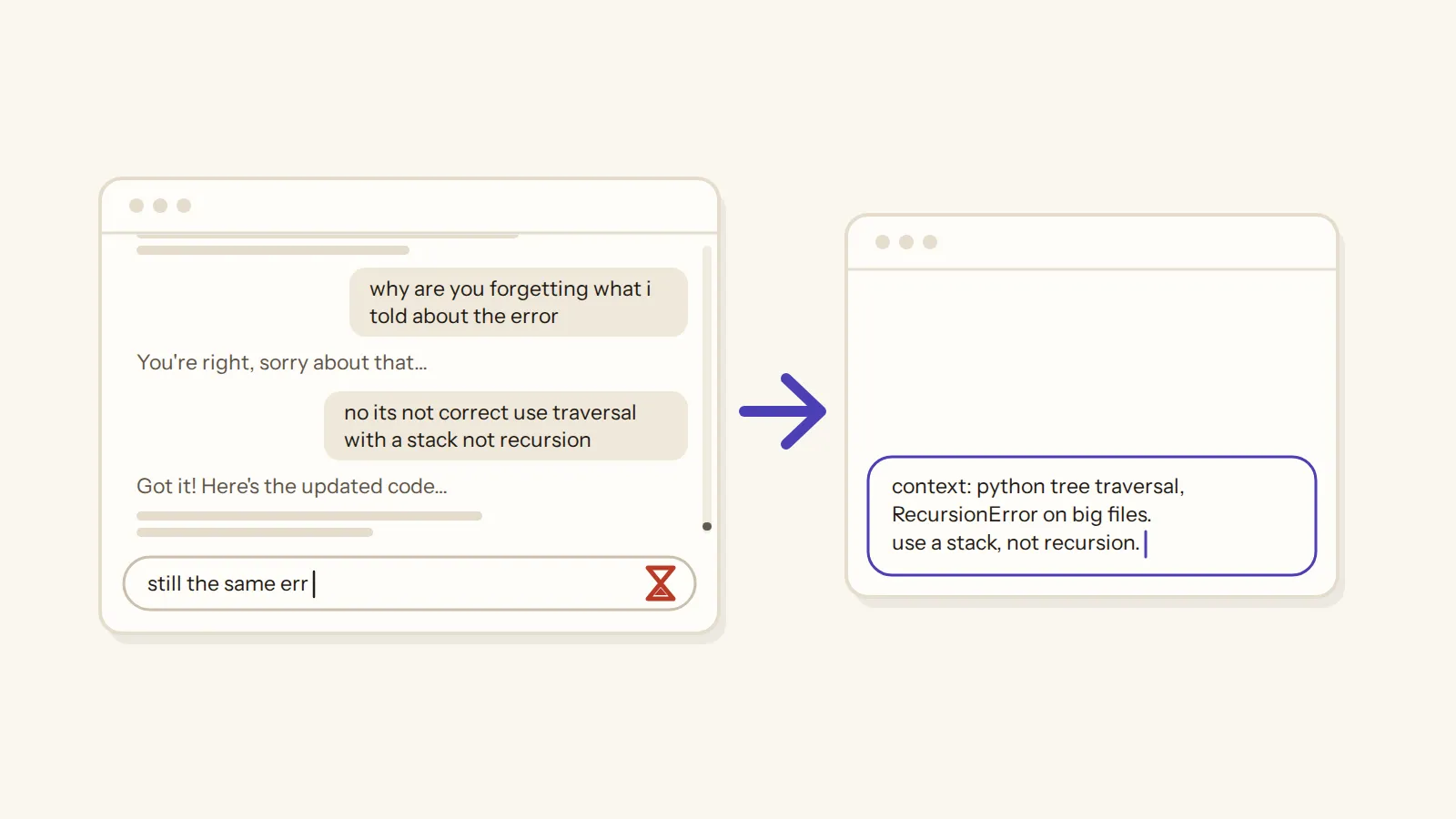
Sonnet also told the customer they'd given "plenty of notice", which nothing in the email or the notes said, and part of the cause is simple: the AI never saw the date the email arrived.
So I fixed it: the AI now gets each email's date, plus one new rule in its instructions, and in the re-test none of the drafts said that something only the owner can do was already done, against one per model before the fix. Both models still sorted all 66 emails right.
And here are the honest limits of the test. The test emails were written to be clear, so 66 out of 66 is a best case, and a real inbox will be messier. Only two models were tested, both at Claude Code's highest effort setting, the costs are Claude Code's own estimates, and every email the rules can't sort is sent to Anthropic to be read.
Your turn
So here's the whole recipe in one line: one job, plain rules first, one AI step with no tools, and drafts that you send yourself.
And it isn't only for shops. The same shape fits a freelancer's inbox and a local service business, which is why the starter sets cover those three.
If you only need help with one reply at a time, check Gmail's own AI first, because on Google's paid plans it already suggests replies. On a free personal Gmail it only works in the US, and it works on one email at a time rather than sorting your whole inbox.
Checklist: before an AI agent touches your inbox
7 checks
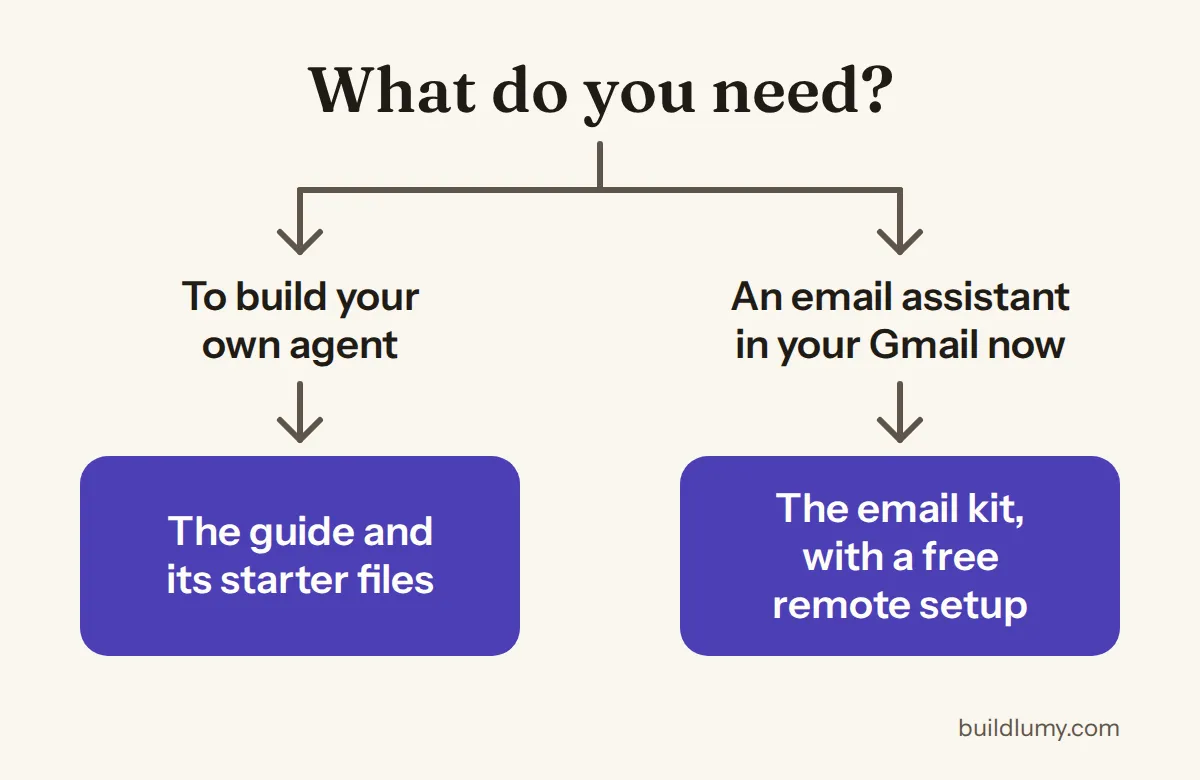
If you want to build an agent for a job of your own, the guide that goes with this article takes you through it step by step, with starter files: a plan template, a test-set template where you write the right answers first, the safe AI call with every tool switched off, and the key check. It's for building your own agent, not a ready one, and its price is in the box below.
And unlike the Claude Code agent tutorial on Google's first page, the build behind it was measured: what each email cost, the hidden-instruction test and the re-test after the fix are all in this article.
The guide
$15
Build your own AI agent: the guide and starter files
one-time
What you get
- A step-by-step guide to building one agent for one job with Claude Code
- Starter files: a plan template, a test-set template, the safe AI call and the key check
Who it's for
You want to build an agent for a job of your own. If you'd rather have a ready one for customer emails, the email kit is in the email article.
Questions? Write to contact@buildlumy.com.
Refund within 14 days, minus Paddle's fee · Terms of sale · Refund policy
And if you'd rather have the email agent ready than build one, it's in Claude Email Assistant for Gmail: the tested code, packaged as a Claude Code plugin, with three starter sets, set up to run on your own Claude plan or API key.
Either way, it's you who reads the drafts and presses send.
Tags: ai agents · claude code · email